Sign in
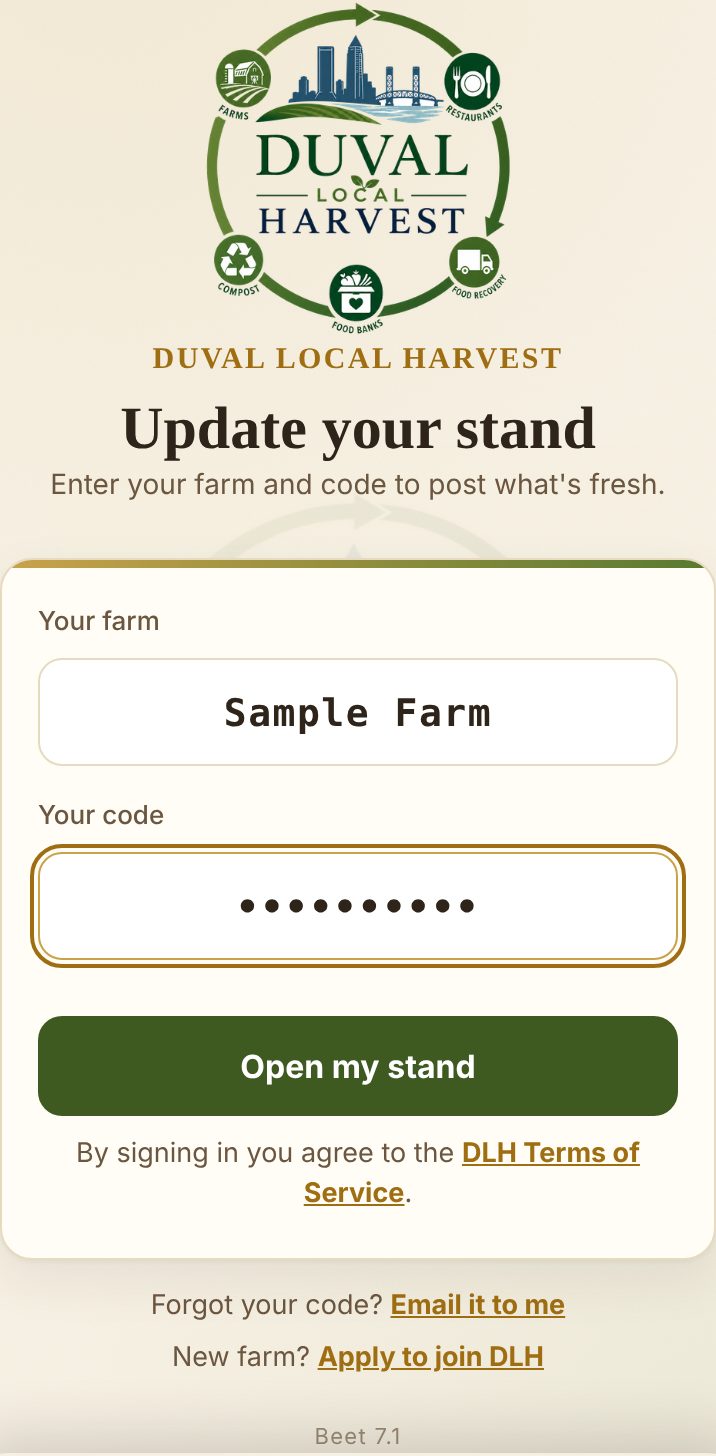
Your farm name in the first box, your code in the second. Tap Open my stand and you're in.
Can't find your code? Tap Email it to me and it's in your inbox in a minute.
One quick agreement
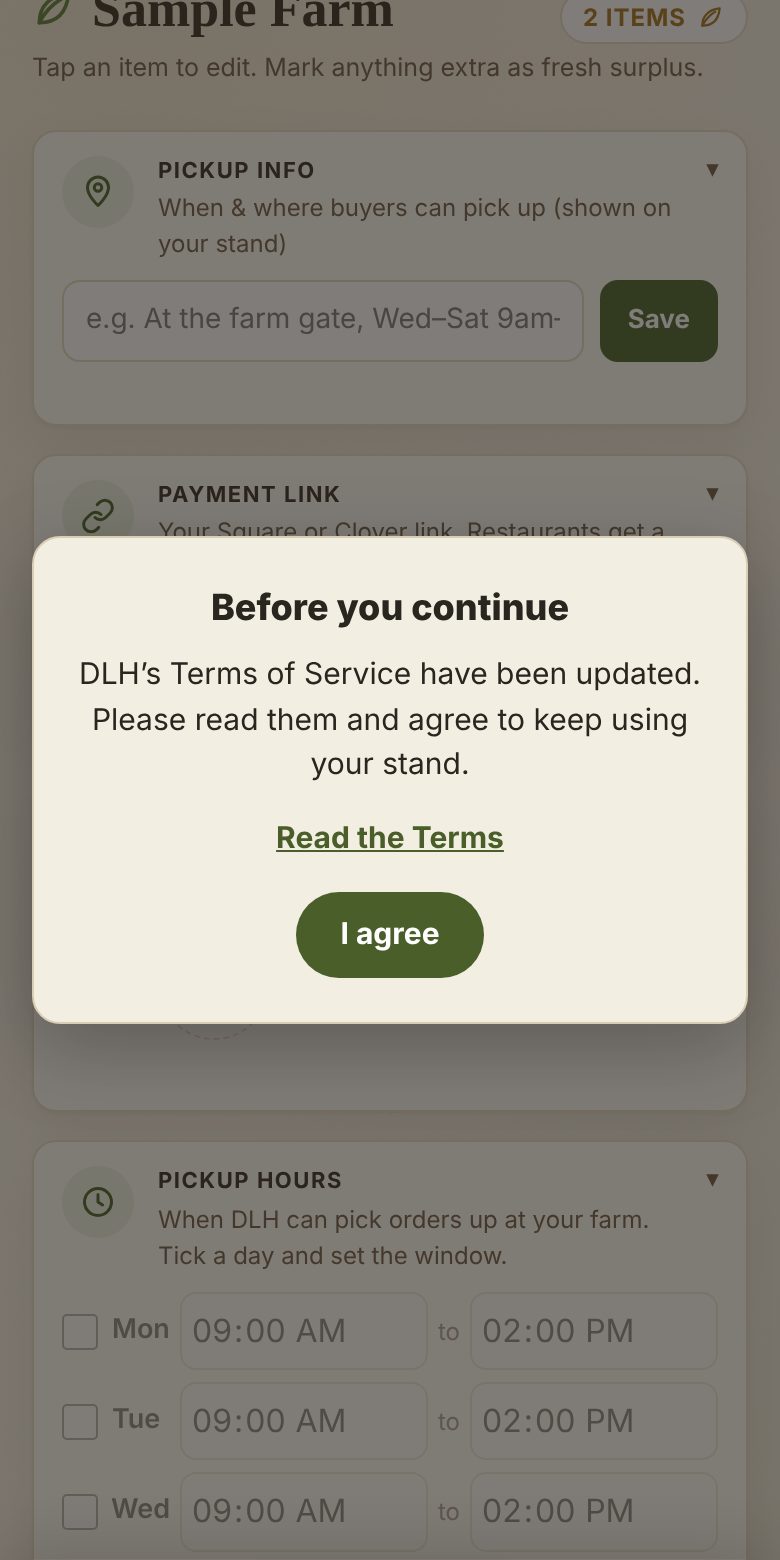
The first time you sign in, this card pops up. Give the Terms a read and tap I agree. You'll only see it again if the Terms change.
This is your stand
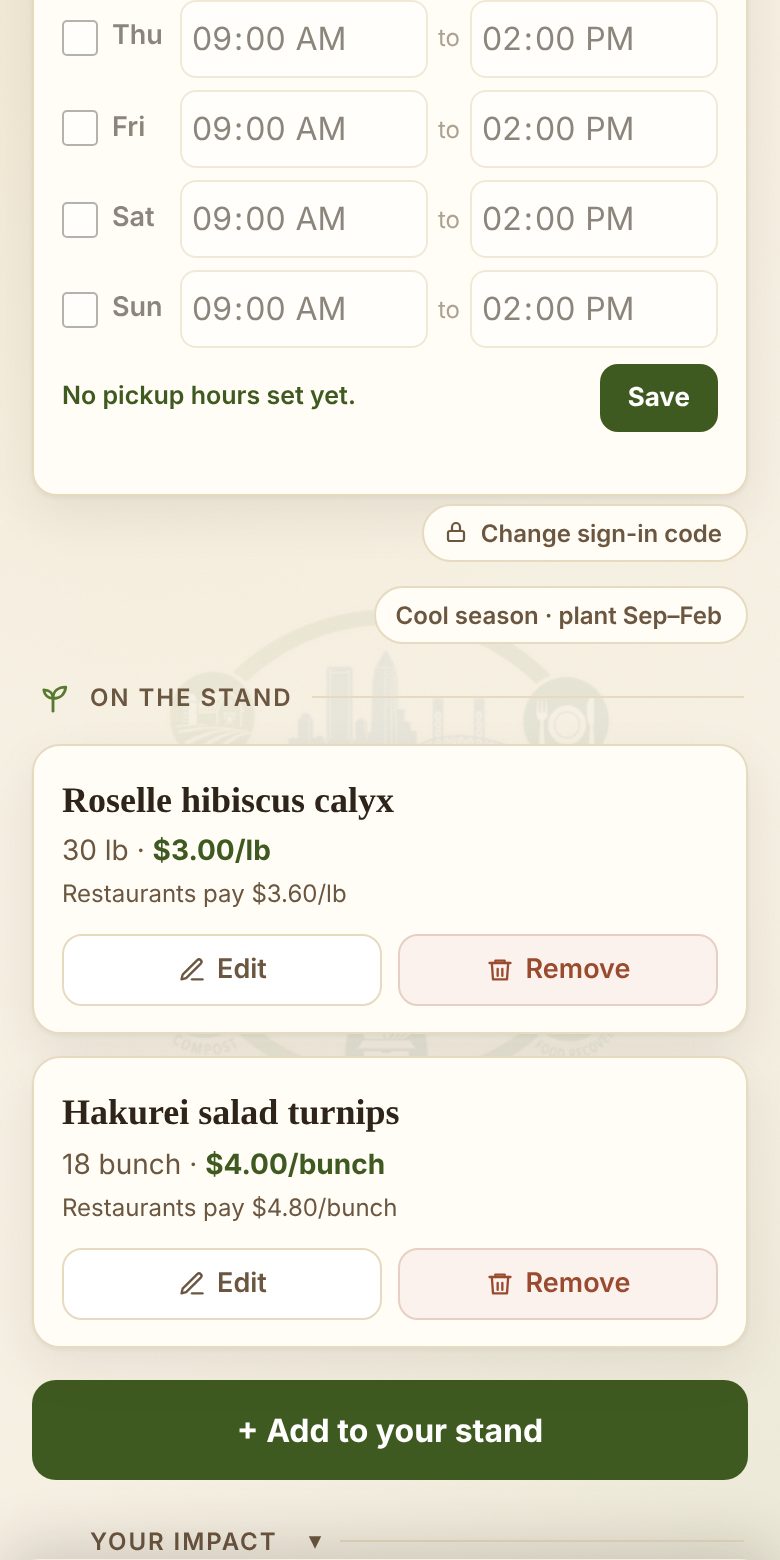
Everything you've got for sale, with what's left and your price. Edit changes it, Remove takes it down. Got something new? Tap + Add to your stand.
Add something
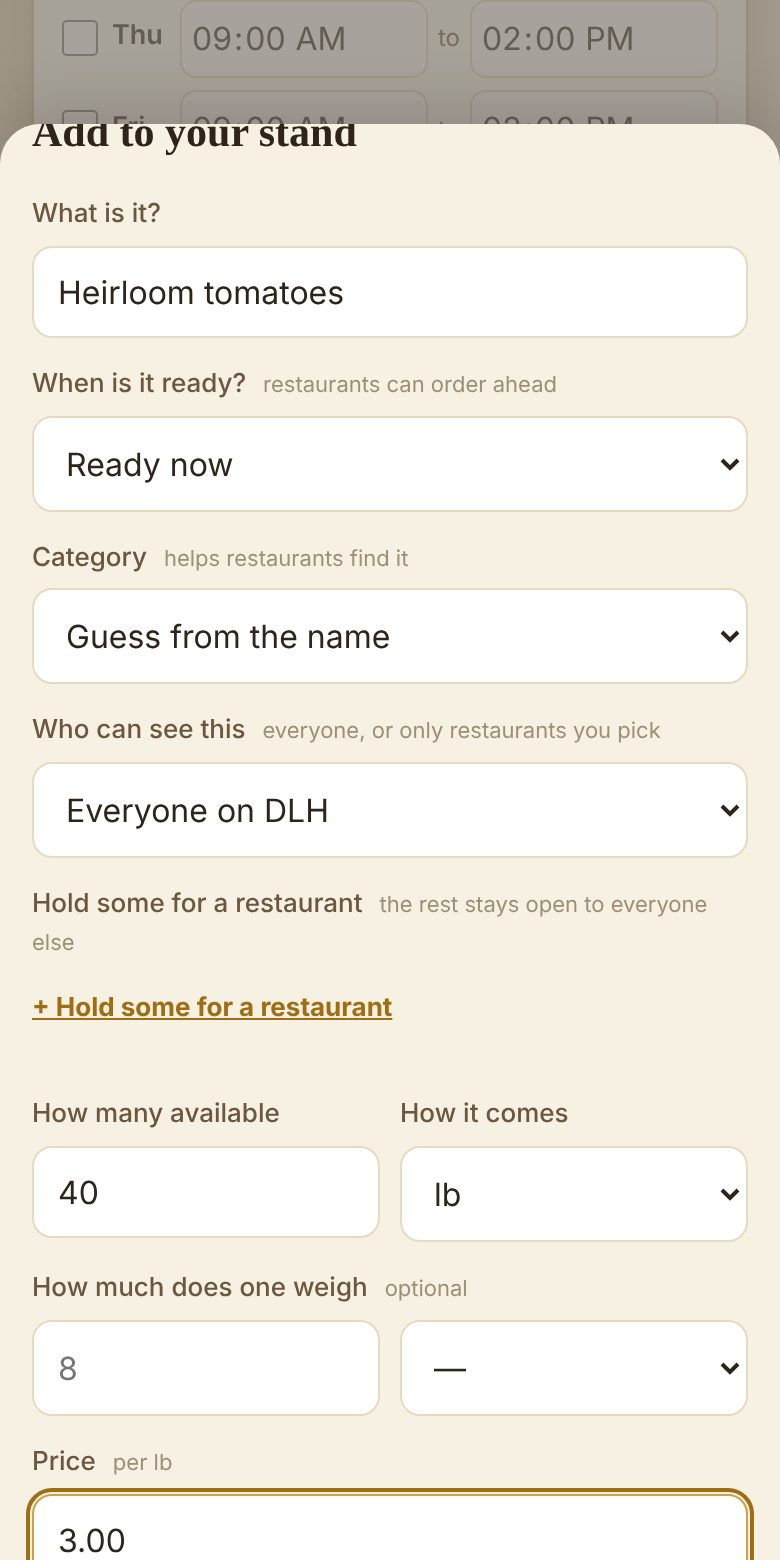
What it is, when it's ready, how much you have and how it comes, and your price. That's the number you get. Tap Save.
Not harvested yet? Pick the day under "When is it ready?" and kitchens can order ahead.
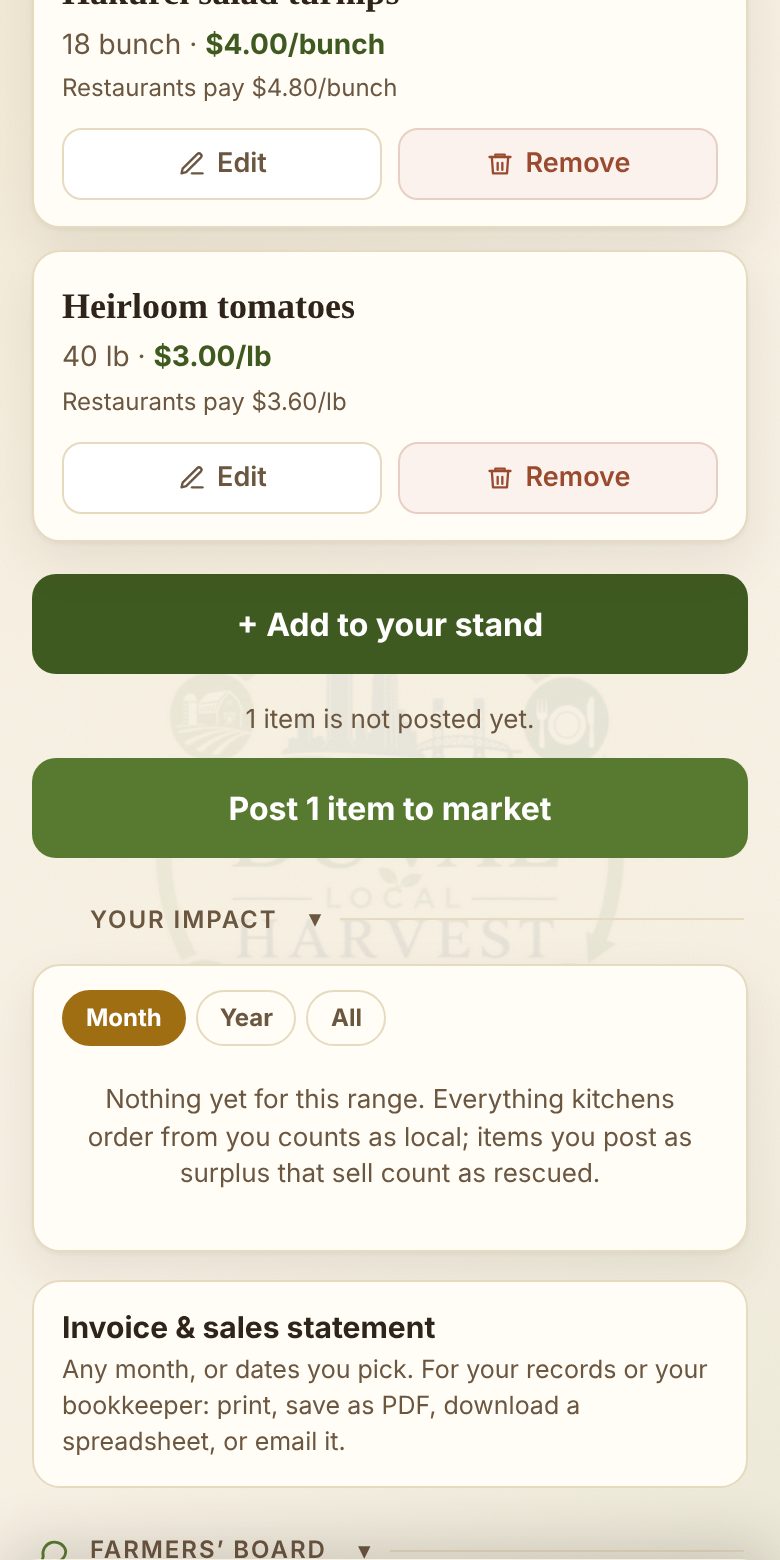
Put it on the market
Saving keeps it on your stand; posting is what tells the kitchens. When everything's added, tap Post to market.
One post sends everything new in one go, so add it all first, then post once.
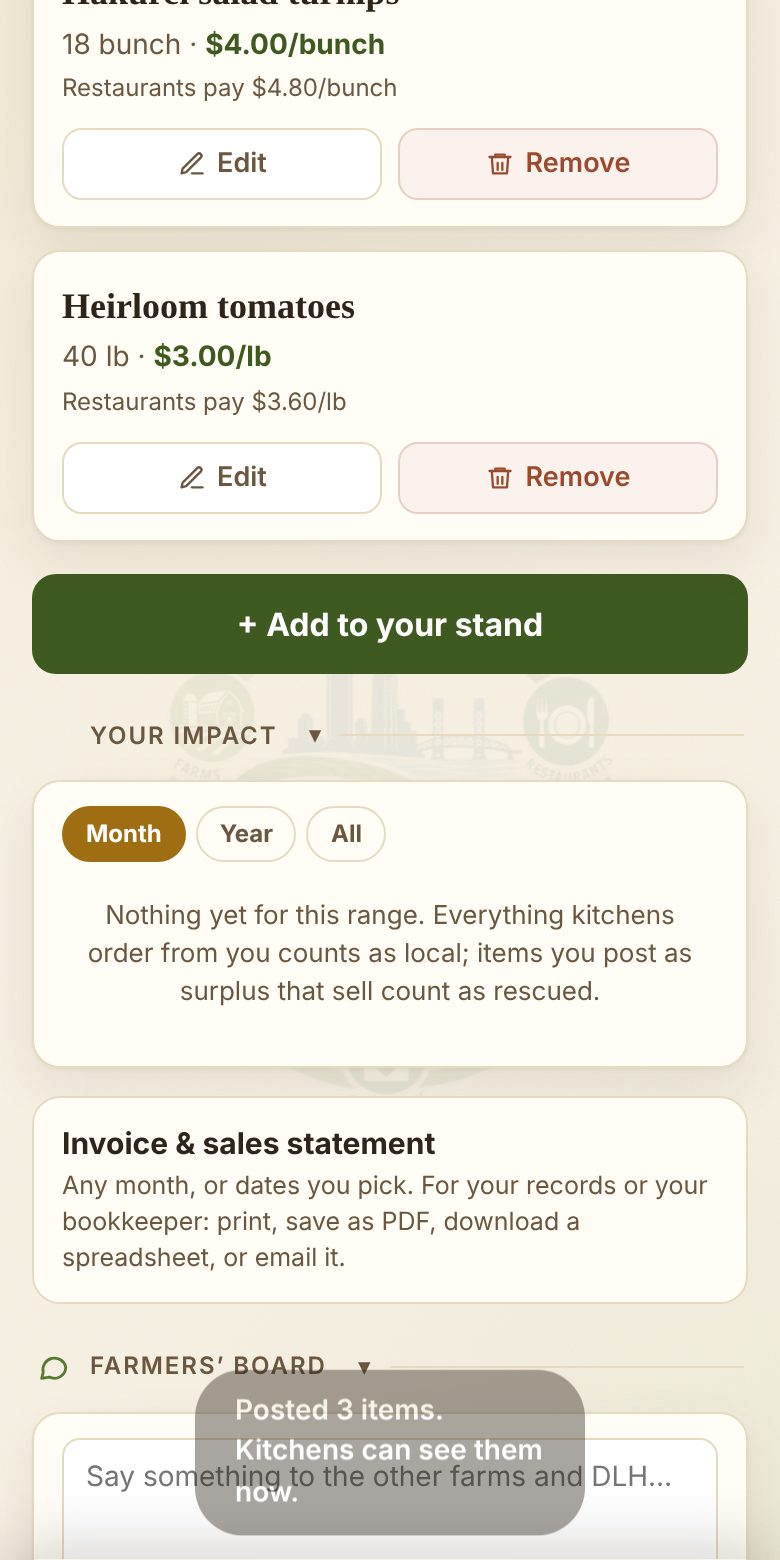
Posted
The kitchens can see it right away, and the ones signed up for emails get a note with what you just put up. Now you wait for the orders.
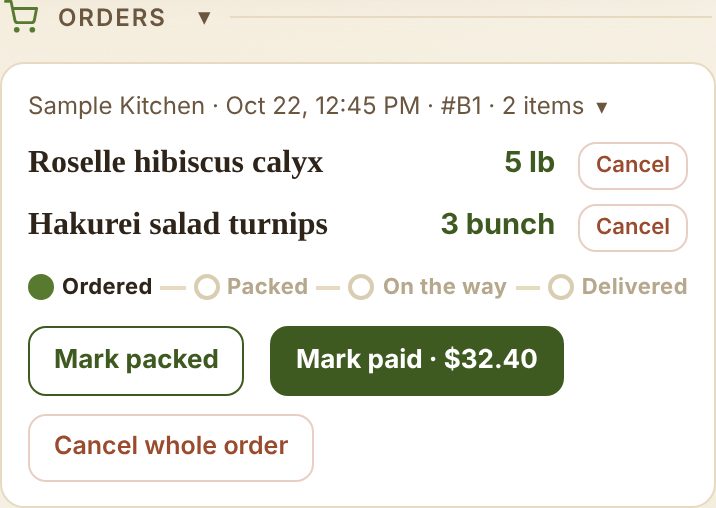
An order comes in
You get an email, and it shows up under Orders. Once it's boxed and ready, tap Mark packed. That's my cue to come get it.
Can't fill a line after all? Cancel it any time before I pick up. The app asks whether the amount goes back on your stand: yes if the kitchen changed its mind, no if you don't have it.
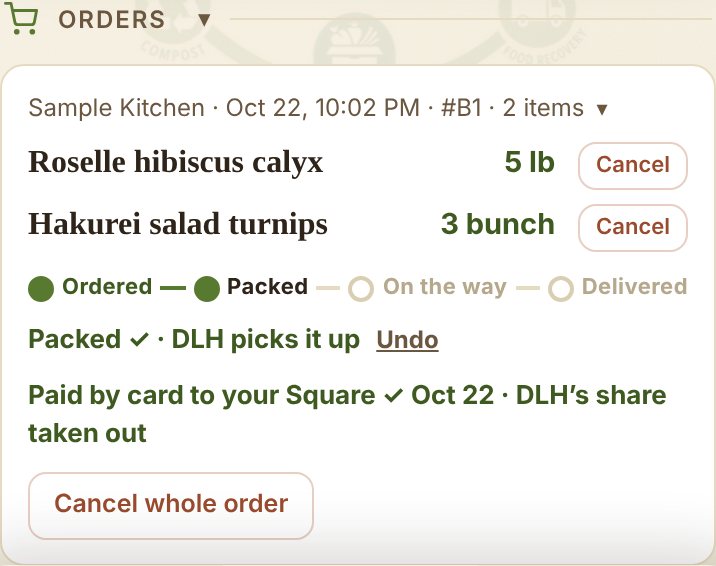
Packed and paid
When the kitchen pays by card or bank, the order marks itself paid and the money lands in your Square, DLH's share already out. Paid you by PayPal? Tap Mark paid when it arrives. Tapped Mark packed on the wrong order? Undo is right there.
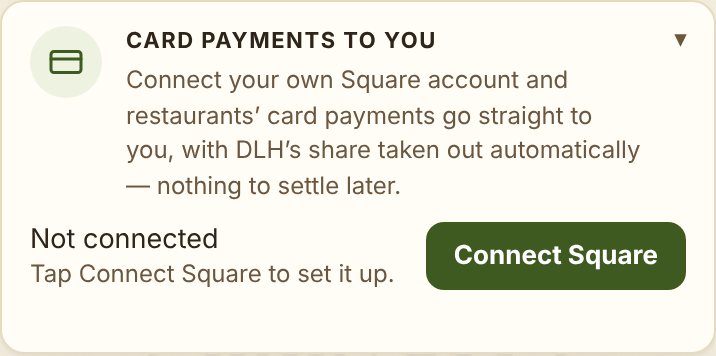
Connect your Square, get paid directly
Do this once, under Card payments to you: tap Connect Square and sign in to your Square. From then on, every payment a kitchen makes on your orders goes straight into your Square account, with DLH's share taken out automatically. Kitchens can reserve your plantings only once you’re on Square.
No Square? Paste your PayPal link (like paypal.me/yourfarm) under Payment link: kitchens get a Pay with PayPal button, and you tap Mark paid when it arrives. Invoice & sales statement gives you any month, for you or your bookkeeper.
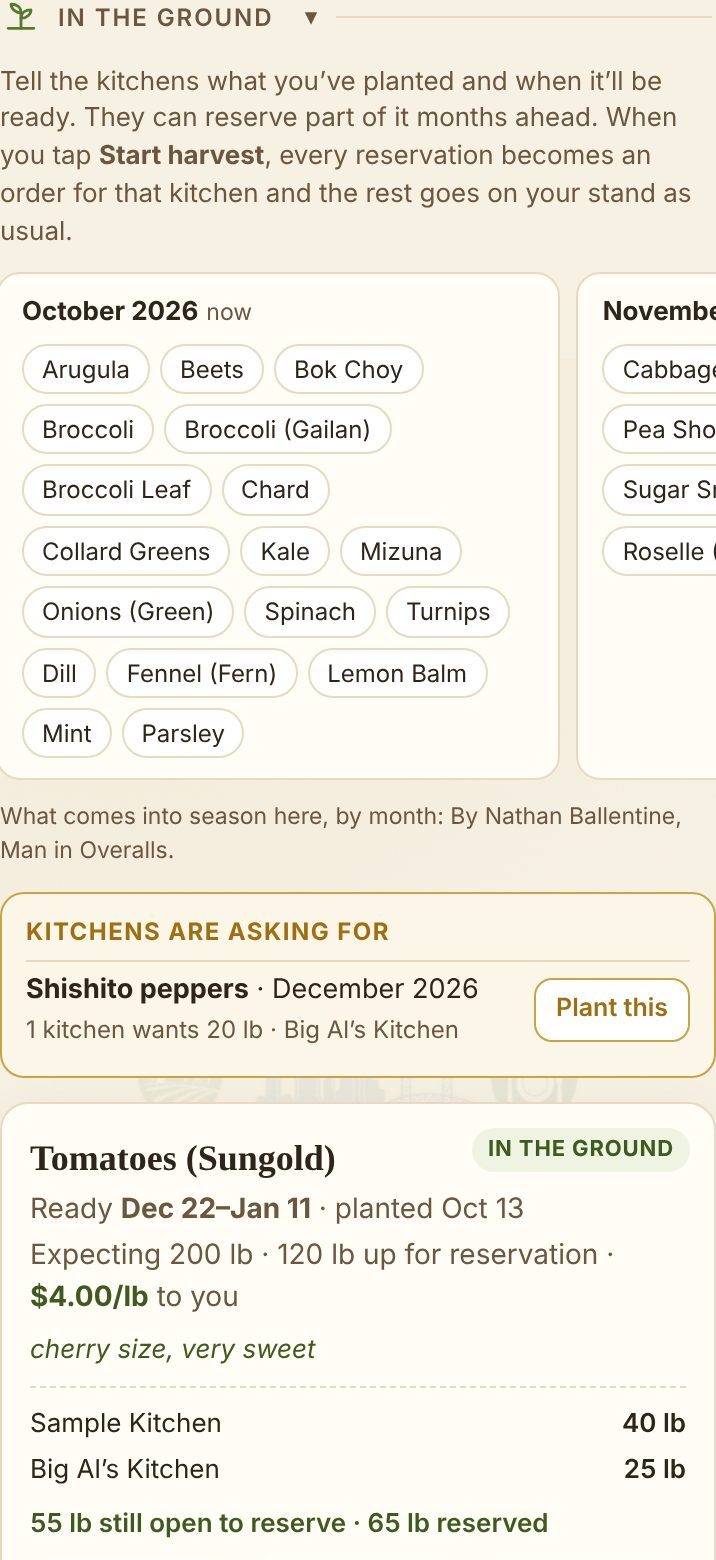
In the ground
Tell the kitchens what you’ve planted and they can reserve part of it months ahead, paying 25% down into your Square. The month list shows what comes into season around here; Kitchens are asking for shows what restaurants want. Tap + Add a planting.
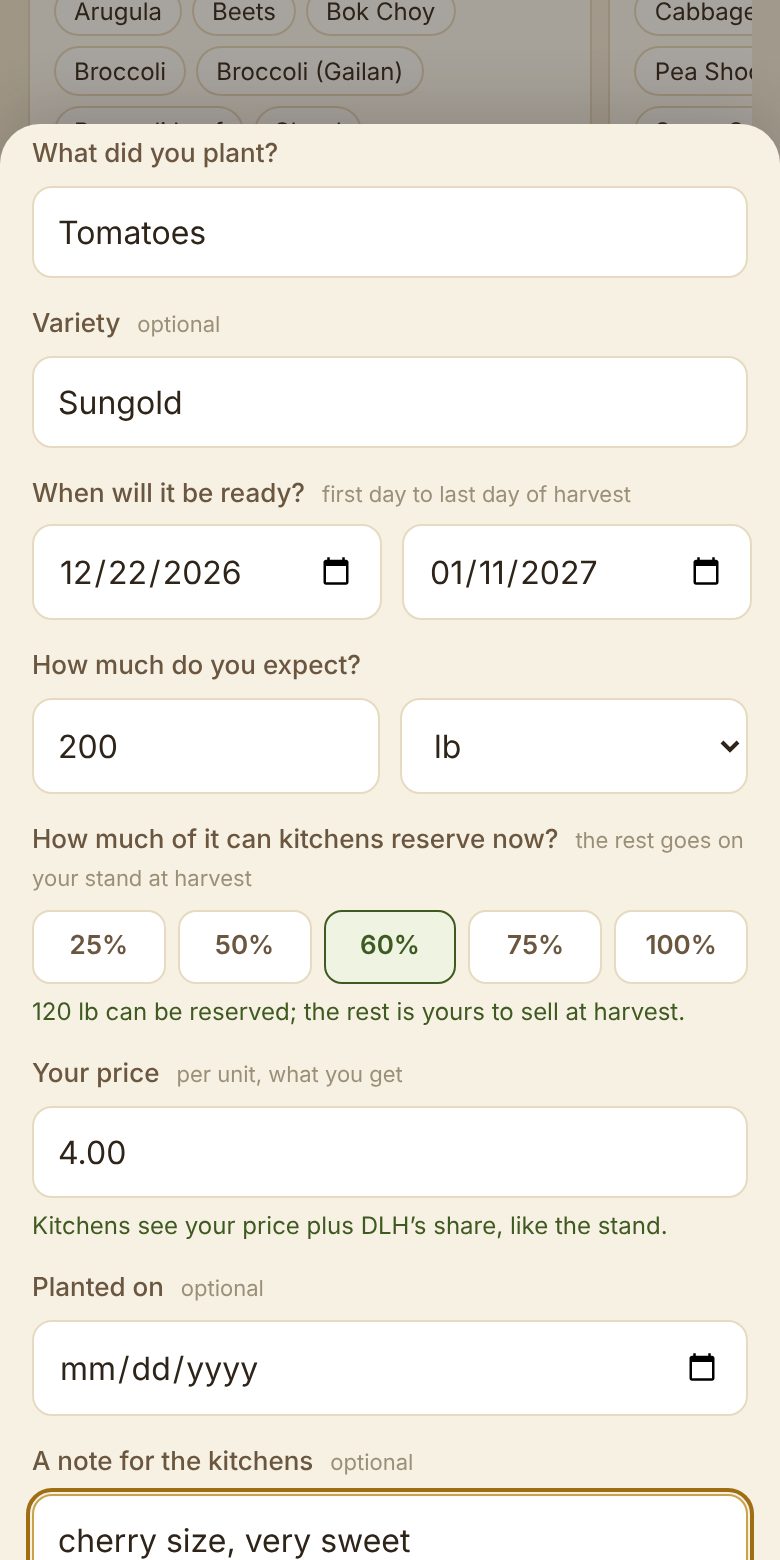
Add a planting
What it is, when it’ll be ready, how much you expect and your price. The percent is how much kitchens can reserve ahead; 60% keeps you a cushion for a thin week. Tap Save.
Once a kitchen has reserved, the price and the unit stay put. Move the dates and they’re told.
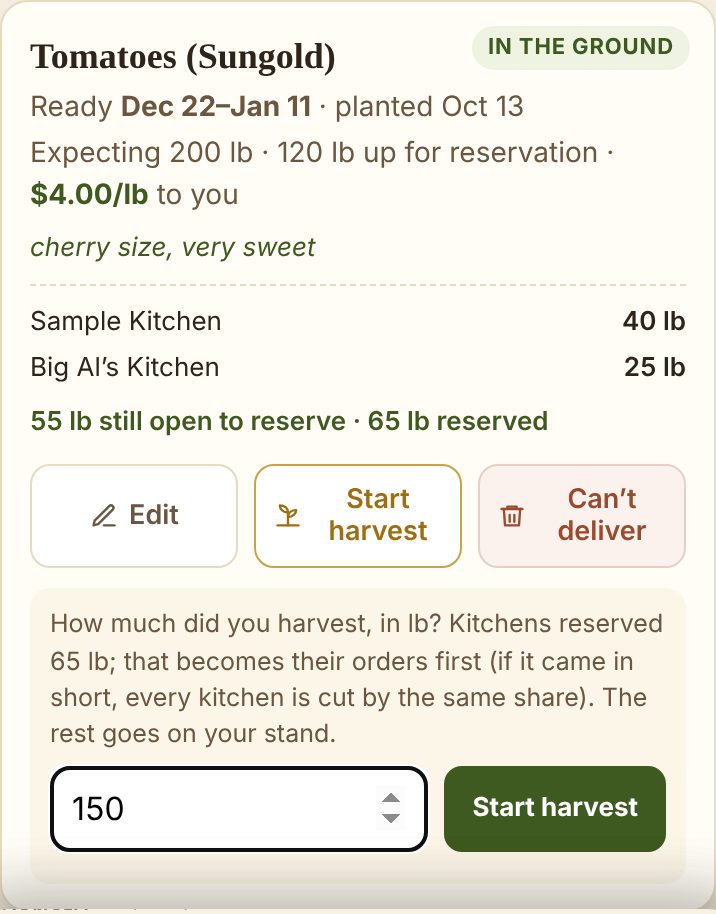
Start harvest
The day you start picking, tap Start harvest and say how much came in. Every reservation becomes an order for that kitchen, its 25% already paid to you, and the rest goes on your stand as usual.
Came in short? Every kitchen is cut by the same share. Lost the crop? Can’t deliver cancels the reservations, tells the kitchens, and lists the deposits to send back.
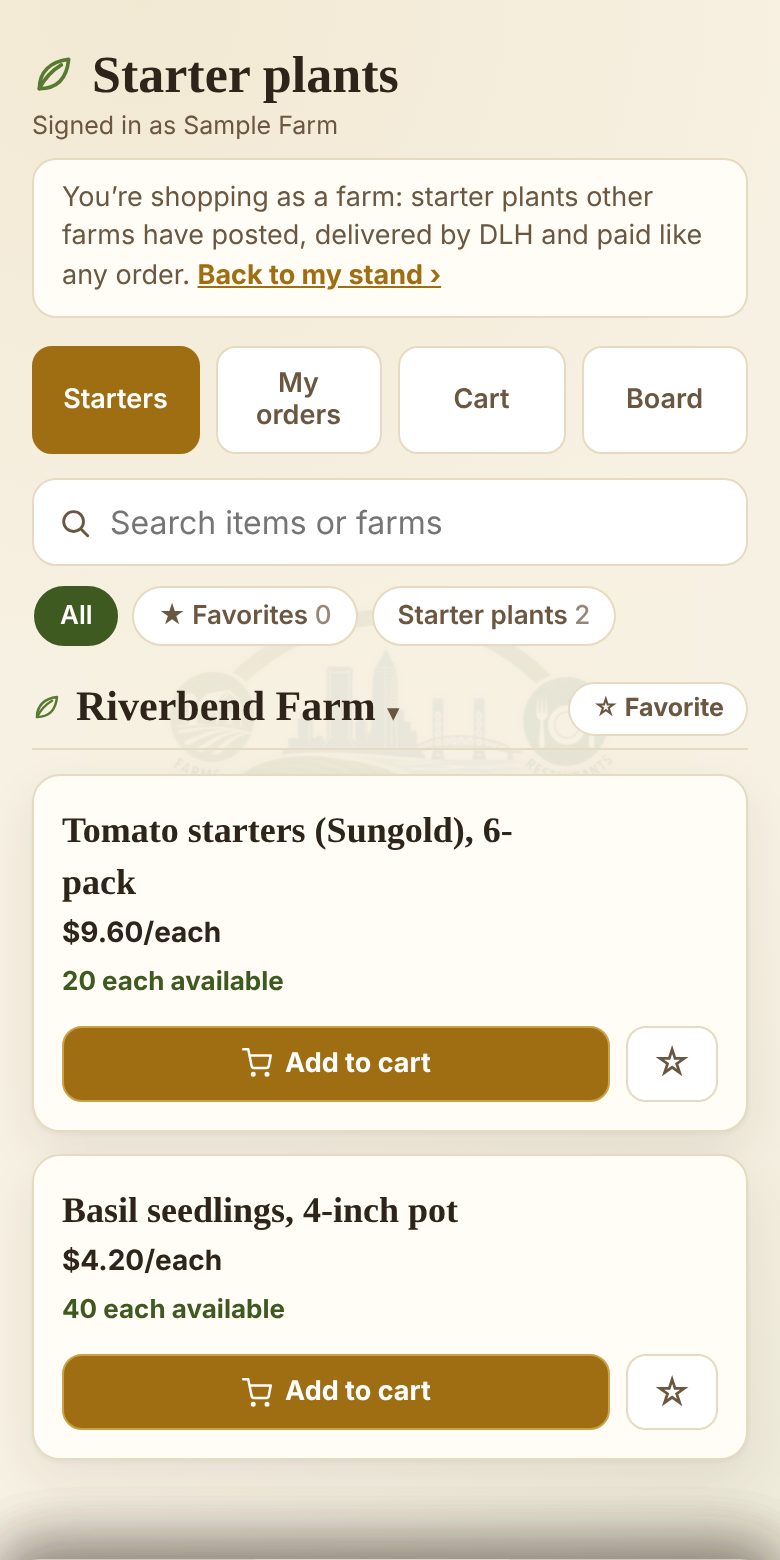
Starter plants
Selling: add an item sold by the pot, cell pack, tray or plant (or pick the category Starter plants). Only other farms see them for now. Buying: tap Starter plants from other farms on your stand and you’re shopping as your farm. I deliver, and you pay like any order.